
How to use our itinerary builder
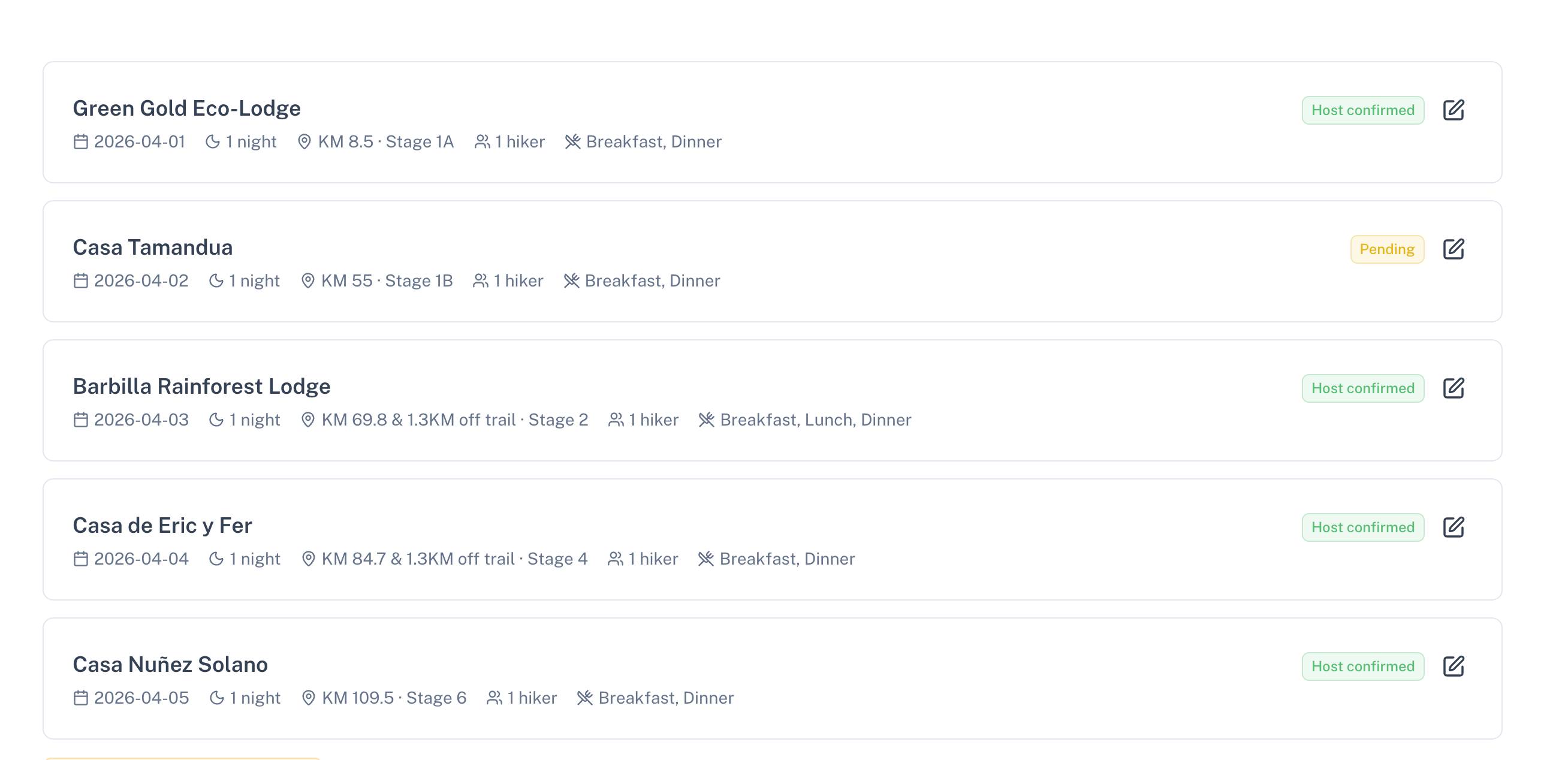
Some hikers don't realize that this app can help you plan your hike well in advance, without needing to contact hosts right away. It's a simple feature but not immediately obvious, so here's a quick walkthrough.
Start by logging in
First, login or create a free account. Once signed in, head to the accommodations page and open any listing that interests you.
Click Make Reservation
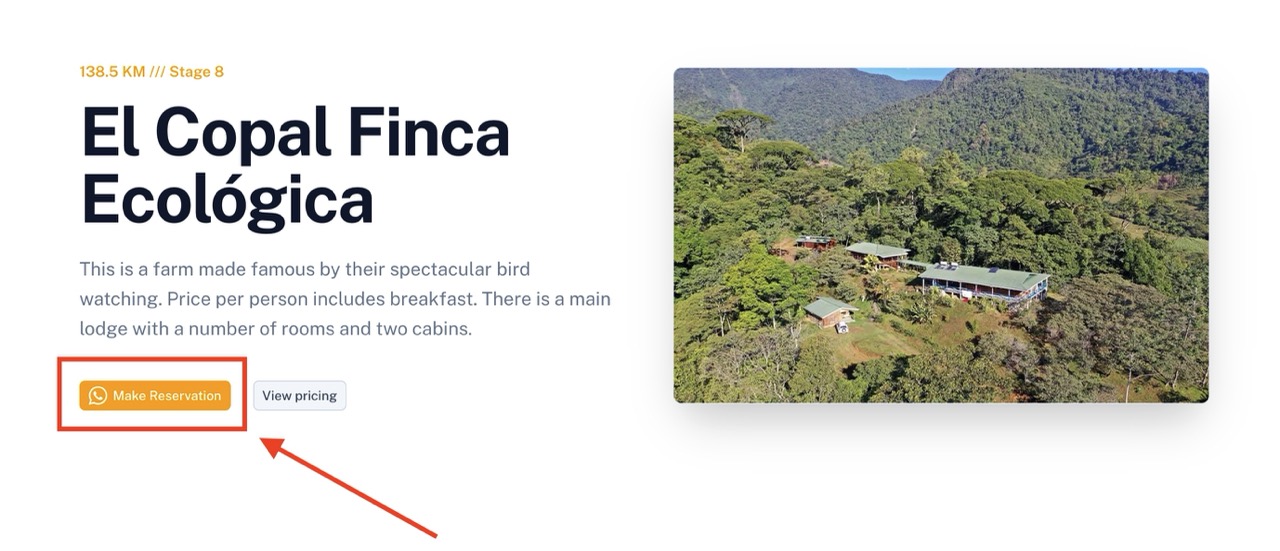 From the accommodation page, tap the orange "Make Reservation" button. This opens a drawer where you can select a check-in date, number of nights, and meal preferences.
Skip the WhatsApp button
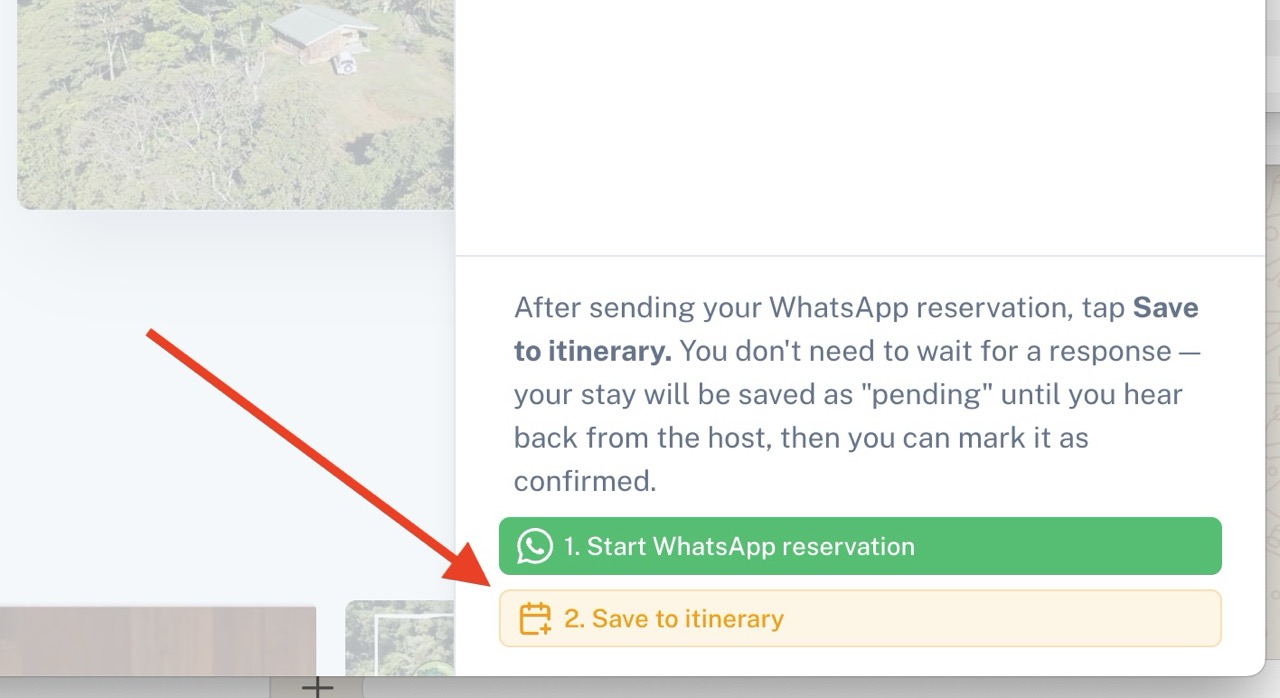 Once your details are filled in, skip the green WhatsApp button and go straight to "2. Save to itinerary." Your stay will be saved as "pending" — no message sent to the host, no commitment made.
That's it! Whether your hike is months away or you're just sketching out a rough plan, you can map out your entire route without making a single reservation. When you're ready to book for real, simply delete the stop and restart the reservation process.